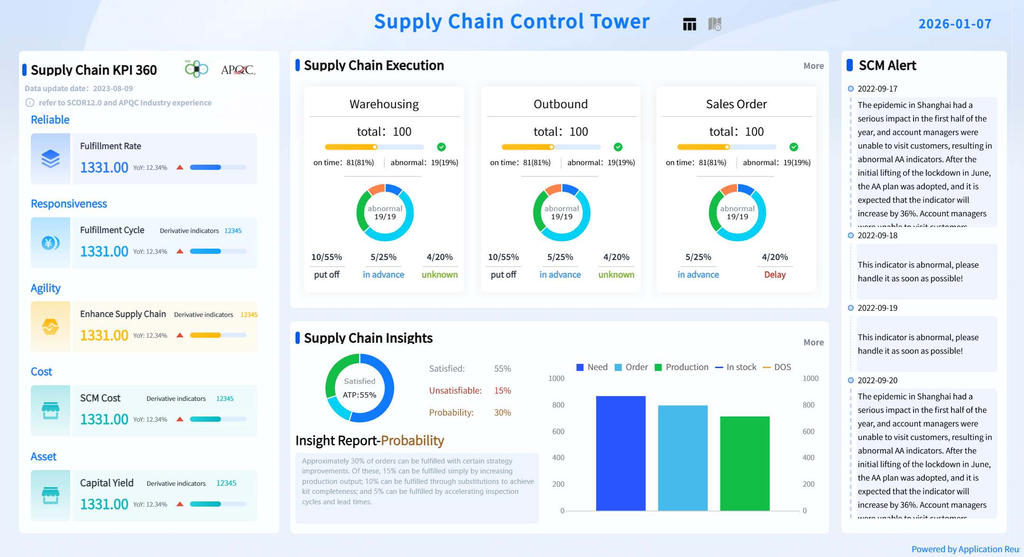
Dashboards have become one of the most important tools for modern businesses. They help analysts, managers, executives, and operational teams monitor performance, identify trends, track key performance indicators, and make decisions based on data. However, as organizations collect more data and adopt more analytics tools, a new problem has emerged: dashboard overload.
Dashboard overload occurs when a dashboard contains so much information that users struggle to determine what actually matters. Instead of simplifying decision-making, the dashboard creates another layer of complexity. Users may see dozens of metrics, multiple charts, several filters, detailed tables, alerts, comparisons, and visual indicators, yet still be unable to answer the most important business question: what should I pay attention to?
This is a significant problem because the purpose of a dashboard is not to display everything an organization knows. Its purpose is to make important information easier to understand and act upon. When a dashboard becomes overloaded, the relationship between data and decision-making begins to break down.
Reducing dashboard overload therefore requires more than removing a few charts or changing the visual design. It requires a deeper understanding of business objectives, user needs, analytical priorities, information hierarchy, and decision-making processes. A well-designed dashboard should help users move from information to understanding and from understanding to action.
The good news is that dashboard overload can be addressed systematically. By understanding why dashboards become overloaded and applying a business-focused approach to dashboard design, organizations can create reporting environments that are clearer, faster to interpret, and more useful for decision-making.
What Is Dashboard Overload
Dashboard overload happens when the amount, variety, or complexity of information presented on a dashboard exceeds what users can effectively process for the task they are trying to accomplish.
A dashboard can become overloaded because it contains too many metrics. It can also become overloaded because every stakeholder wants their preferred KPI included. Sometimes the problem comes from excessive visualizations, unnecessary filters, multiple competing colors, complicated calculations, or excessive detail.
Importantly, dashboard overload is not determined simply by the number of charts on a page. A dashboard containing ten well-selected visuals may be easier to understand than a dashboard containing five poorly designed ones.
The real issue is cognitive load.
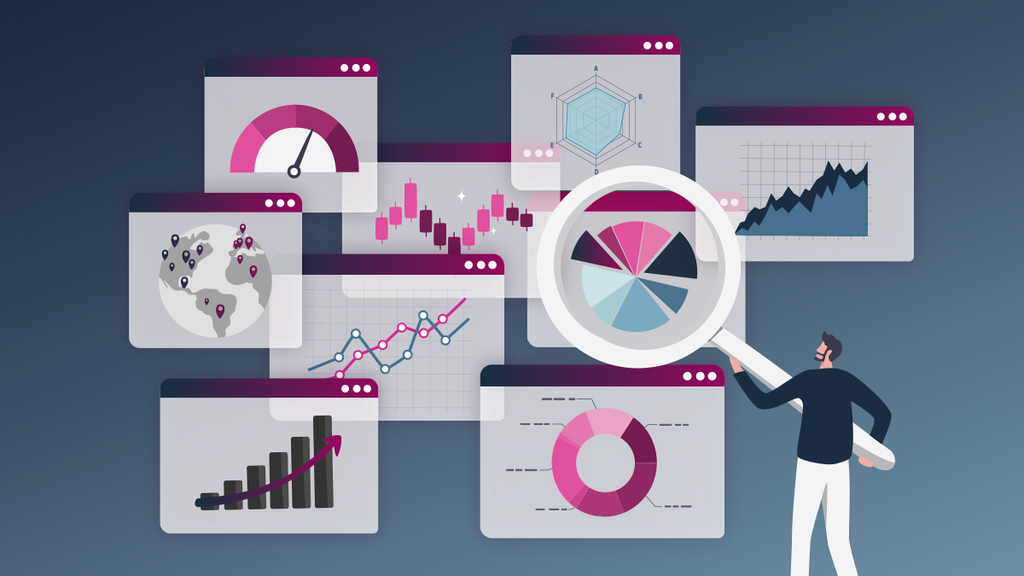
When users open a dashboard, they need to identify what matters, understand what has changed, determine whether the change is significant, and decide whether action is required. Every unnecessary metric, chart, filter, label, or visual element competes for their attention.
Consequently, dashboard overload is fundamentally an information-design and decision-making problem, not merely a visualization problem.
Why Dashboard Overload Happens
One of the most common reasons dashboards become overloaded is that organizations confuse data availability with data necessity.
Modern businesses have access to enormous amounts of data. Customer transactions, website behavior, marketing performance, operational activity, financial information, employee performance, product usage, customer service interactions, and many other data sources can all be integrated into analytical systems.
Because the data is available, there is often pressure to display it.

A stakeholder may say, “Can we add this metric?” Another department may request another chart. Someone else may ask for a new filter. Over time, the dashboard grows.
The problem is that each individual request can appear reasonable when considered separately. However, the combined result can become overwhelming.
Another cause is the desire to satisfy every audience with a single dashboard. Executives, managers, analysts, sales teams, marketing teams, finance teams, and operations teams may all have different information requirements. Attempting to accommodate everyone on one dashboard often produces a reporting environment that is too complex for everyone.
Dashboard overload can also occur when analysts design dashboards around available datasets rather than business decisions. Instead of asking what decisions users need to make, they begin with questions such as, “What data can we visualize?”
That approach naturally produces more charts.
A stronger approach begins with the decision.
What does the user need to know? Why do they need to know it? What action could they take based on the information? How frequently does the decision occur? What evidence is required to support it?
These questions establish the purpose of the dashboard before visualization begins.
Start With the Business Question
The most effective way to reduce dashboard overload is to return to the business problem the dashboard is supposed to solve.
Every dashboard should have a clear purpose.
A sales dashboard might exist to help sales managers understand whether the organization is on track to meet its revenue target. A customer service dashboard might exist to help managers identify service bottlenecks. A financial dashboard might help executives understand profitability and cash flow. A marketing dashboard might help teams evaluate campaign performance and customer acquisition.

Once the primary business question is clear, unnecessary information becomes easier to identify.
For example, suppose a sales dashboard is designed to answer the question, “Are we on track to achieve this quarter’s revenue target?”
Revenue, target achievement, sales pipeline, conversion rate, average deal value, and sales velocity may be relevant because they help explain performance.
However, including every available customer attribute, every product-level transaction, every sales representative activity metric, and dozens of historical comparisons may make the dashboard harder to interpret.
The objective is not to hide information. It is to prioritize information according to its relevance to the decision.
This distinction is critical.
A dashboard should not attempt to answer every possible question. It should answer the most important questions clearly while providing appropriate paths to deeper analysis when necessary.
Create a Clear Visual Hierarchy
Even when a dashboard contains the right information, poor hierarchy can make it feel overloaded.
Visual hierarchy determines what users notice first, second, and third.
The most important information should therefore receive the strongest visual emphasis.
For example, an executive dashboard might place a small number of critical performance indicators at the top, followed by trend information and then supporting analysis.
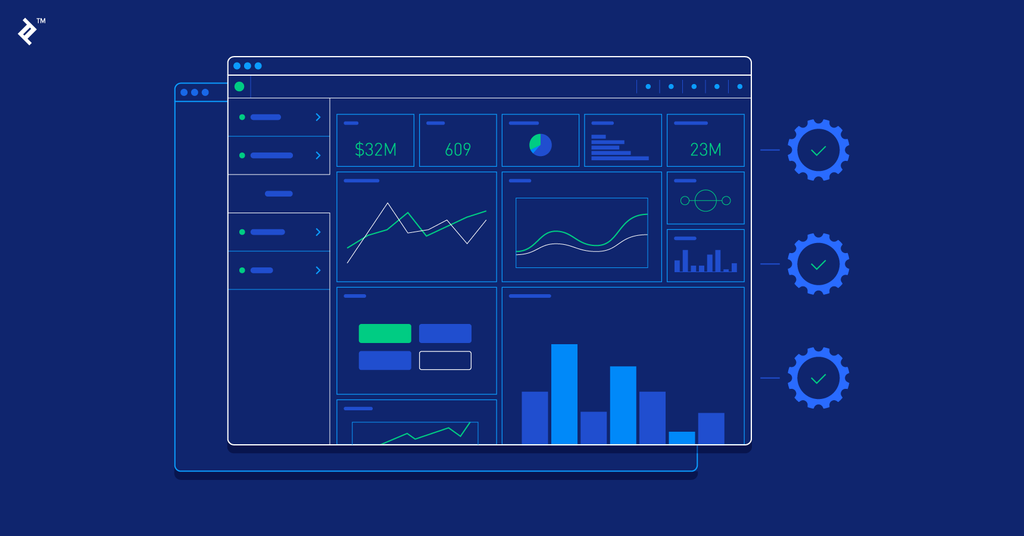
This creates a natural reading path.
Users should not have to scan randomly across the screen to determine what matters.
Visual hierarchy can be created through position, size, whitespace, typography, contrast, and consistent formatting.
However, visual emphasis should be used carefully. If everything is highlighted, nothing is highlighted.
This is a common problem in overloaded dashboards. Designers sometimes use multiple colors, large numbers, icons, arrows, alerts, and conditional formatting to draw attention to almost every element.
The result is visual competition.
A better dashboard establishes a clear hierarchy in which important information stands out naturally and secondary information remains available without dominating the screen.
Use Whitespace More Effectively
Whitespace is often underestimated in dashboard design.
When analysts are asked to fit more information onto a dashboard, the first instinct is frequently to use every available space. Charts are placed close together, tables are compressed, labels become smaller, and filters are added to side panels.
Although this approach appears efficient, it can reduce readability.
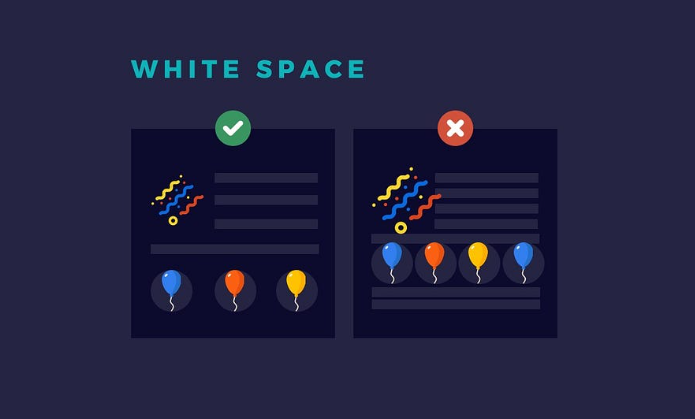
Whitespace creates separation between information groups. It helps users understand which elements belong together and which elements represent different concepts.
A dashboard with fewer visuals and more breathing room can therefore communicate more effectively than a dashboard packed with information.
The objective is not to maximize the amount of information displayed per screen.
The objective is to maximize the amount of useful understanding produced per screen.
That is a very different design philosophy.
Remove Redundant Visualizations
Dashboard overload is often caused by duplication.
For example, a dashboard might contain a revenue KPI card, a revenue line chart, a revenue bar chart, a revenue table, and another revenue comparison chart.
Each visual may technically provide a different representation of the same metric, but the user may not need all of them.
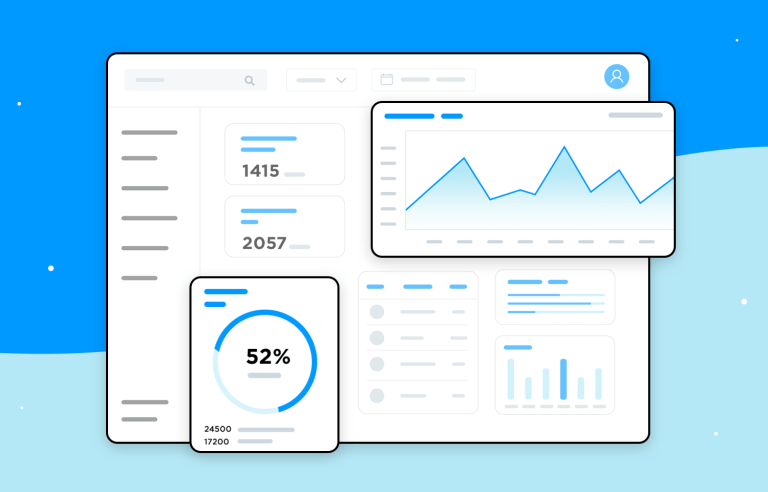
Redundancy becomes particularly problematic when multiple charts communicate essentially the same conclusion.
A useful question for dashboard designers is whether a visualization adds a new analytical perspective.
If two charts tell the same story, one may be unnecessary.
This does not mean that every metric should have only one visual. Different representations can be useful when they answer different questions. A trend chart can show movement over time, while a category chart can explain which segments are contributing to the movement.
The key is analytical purpose.
Every visualization should earn its place.
Simplify Filters and Interactions
Filters are valuable because they allow users to explore data. However, too many filters can create another form of dashboard overload.
A dashboard containing filters for region, country, city, product, category, customer type, customer age, acquisition channel, sales representative, payment method, device type, month, quarter, year, and dozens of other variables may technically provide flexibility.
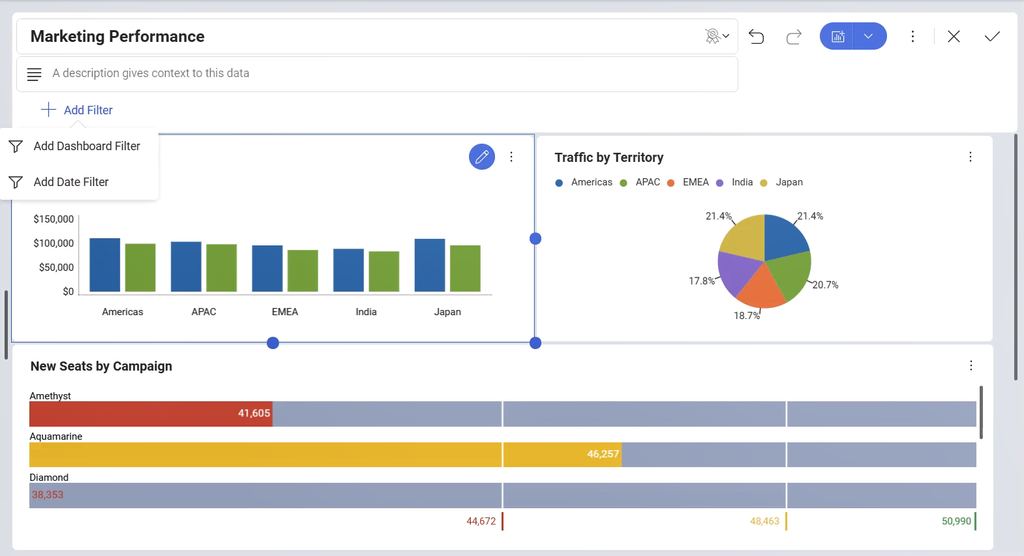
In practice, users may struggle to understand which filters matter.
The solution is not necessarily to eliminate filtering. Instead, filters should reflect the way users actually analyze the business problem.
A sales manager might frequently analyze performance by region, product category, and time period. Those dimensions are more useful as primary filters than attributes that are rarely used.
Less frequently used dimensions can be moved into detailed analytical views.
Good dashboard design therefore considers not only what users can filter but also what they realistically need to filter.
Design for the Audience
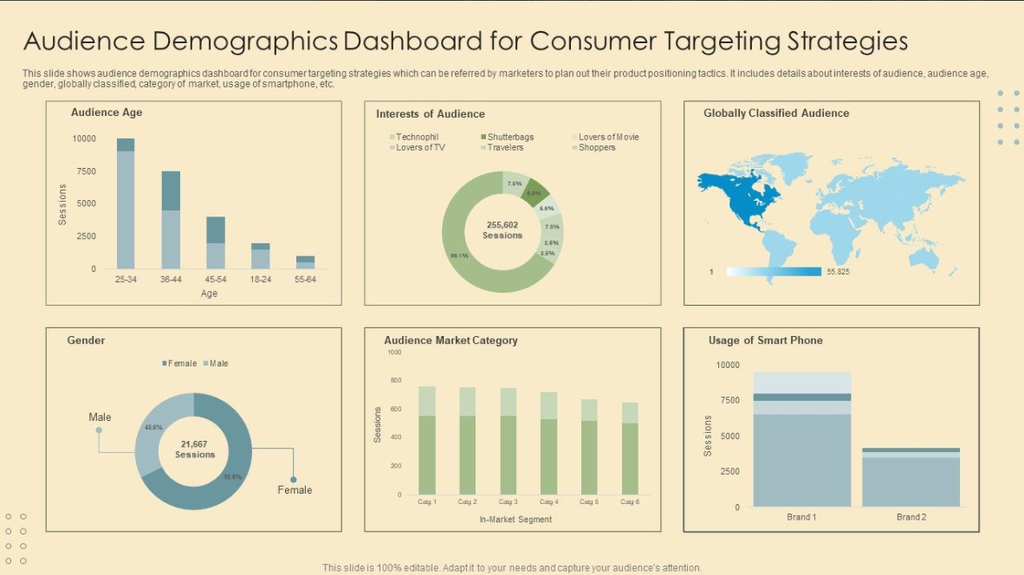
A dashboard designed for a CEO should not necessarily look like a dashboard designed for a data analyst.
Executives often need high-level performance, trends, exceptions, and strategic indicators. Operational teams may need more detailed and frequently updated information. Analysts may require greater granularity and more analytical flexibility.
Trying to build one dashboard that satisfies all three audiences often creates unnecessary complexity.
Audience segmentation is therefore essential.
The right question is not simply, “What information does the organization have?”
It is, “What information does this particular audience need to make its decisions?”
This is where Business Analysis becomes particularly important.
A Business Analyst can help identify stakeholders, understand decision processes, clarify requirements, distinguish between wants and needs, and translate business objectives into measurable requirements.
Consequently, dashboard design should be treated as a collaborative business and analytical exercise rather than purely a visualization task.
Separate Executive Dashboards From Operational Dashboards
One practical application of audience-focused design is separating executive dashboards from operational dashboards.
An executive dashboard might focus on revenue, profitability, growth, customer retention, strategic KPIs, and significant deviations from targets.
An operational dashboard may focus on order processing, service response times, inventory levels, tickets, transactions, or workflow performance.
Both dashboards may use the same underlying data, but their purposes are different.
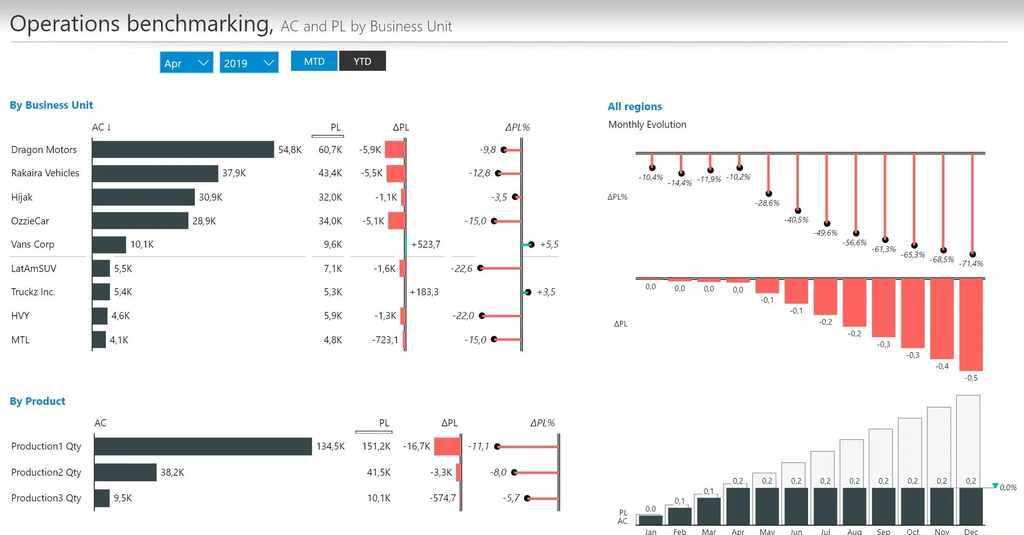
Separating them allows each dashboard to remain focused.
It also prevents executives from being overwhelmed by operational details while ensuring operational teams have access to the information they need.
This does not mean creating dozens of dashboards without governance. The organization should maintain a coherent analytics architecture in which dashboards have defined purposes and audiences.
Use Drill-Down Instead of Displaying Everything
Drill-down functionality can help organizations maintain analytical depth without creating visual overload.
Instead of displaying every level of detail on the main page, the dashboard can present the key summary and allow users to investigate specific areas.
For example, a company might display total revenue at the top level. Users could then drill into regional performance, followed by country, branch, product category, or individual product.
This creates progressive disclosure.
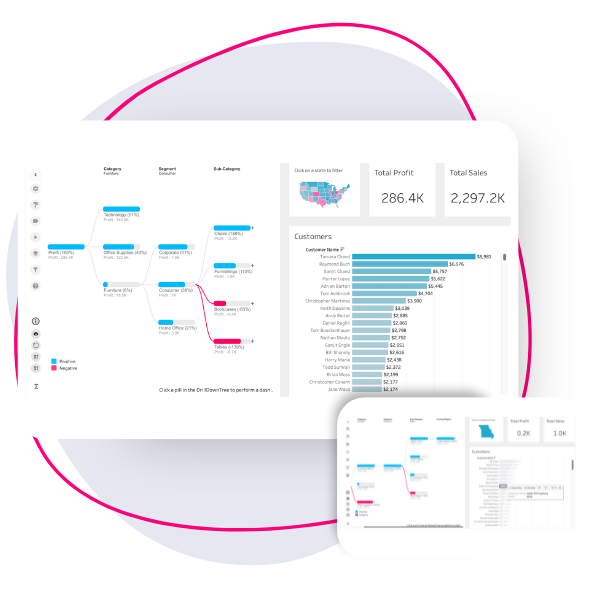
The user receives the amount of information needed at the current stage and can request more detail when necessary.
Progressive disclosure is particularly useful because not every user needs every detail at the same time.
The executive may only need the regional summary. The regional manager may need branch-level information. The analyst may need transaction-level data.
The same analytical environment can support all three without forcing all information onto the same screen.
Use Color With Discipline
Color is another frequent contributor to dashboard overload.
When every KPI has a different color, every trend has a different shade, and every category uses its own visual palette, users must spend additional cognitive effort interpreting the design.
Color should have meaning.
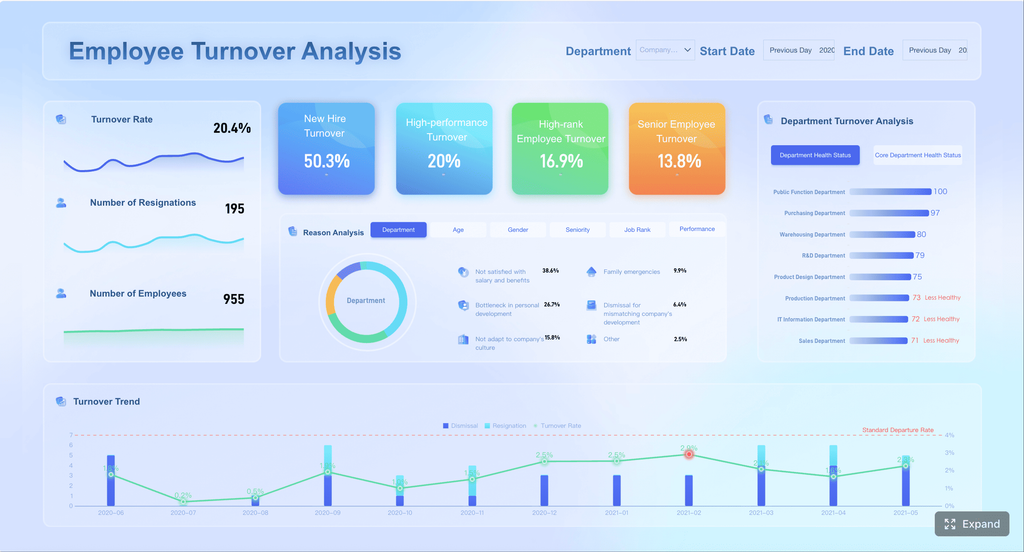
For example, a business may consistently use one visual treatment for positive performance, another for negative performance, and a neutral treatment for informational values.
However, color should not be used simply for decoration.
Furthermore, relying exclusively on color can create accessibility problems because some users may have difficulty distinguishing certain colors.
Labels, icons, positioning, and text can provide additional context.
A disciplined visual language makes dashboards easier to interpret because users learn what different visual signals mean.
Replace Decorative Charts With Analytical Charts
Not every chart improves understanding.
A visualization can look sophisticated while providing little analytical value.
Three-dimensional charts, excessive gradients, decorative gauges, unnecessary icons, and complex visual effects may make a dashboard look impressive but can distract users from the information.
The goal of visualization is communication.
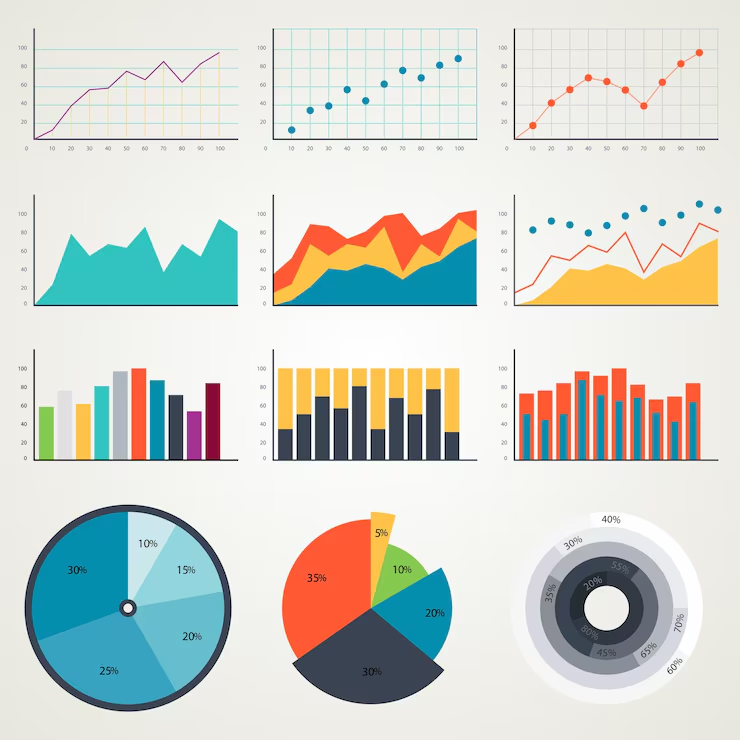
A simple line chart that clearly shows declining revenue may be more useful than a visually elaborate chart that requires users to interpret unnecessary design elements.
Therefore, dashboard designers should evaluate visuals based on the question they answer rather than how attractive they appear.
The most effective dashboard is not necessarily the most visually impressive.
It is the one that helps users understand the business most efficiently.
Introduce Context Into Metrics
A number without context can create confusion.
Suppose a dashboard displays monthly revenue of ₦80 million.
Is that good?
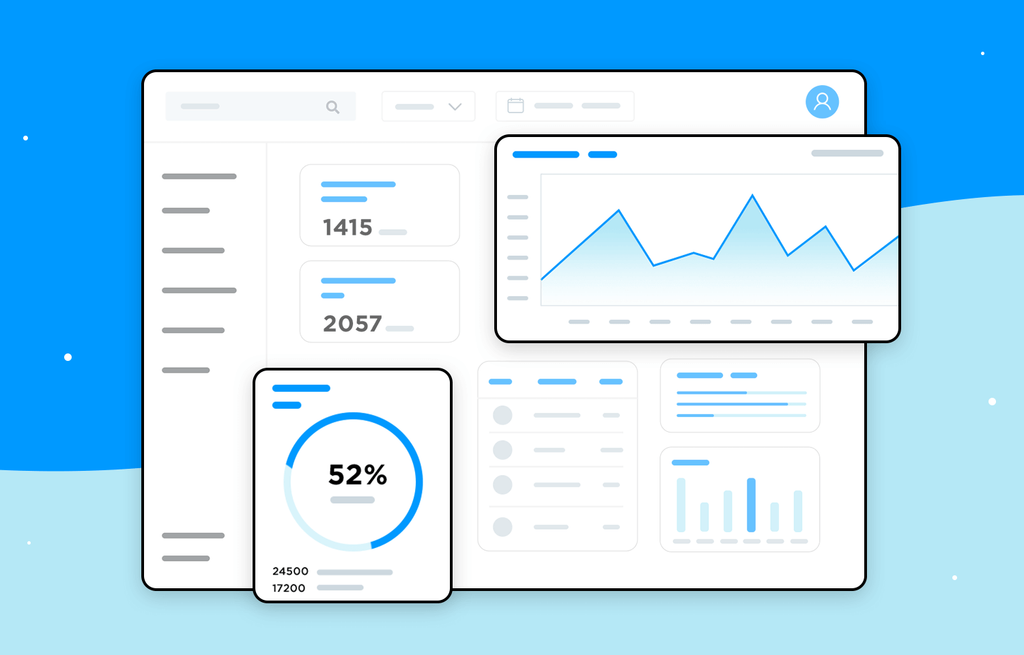
The number itself does not provide the answer.
Users may need to know the target, previous month’s revenue, previous year’s revenue, expected forecast, or relevant benchmark.
Context transforms a number into information.
Instead of displaying only ₦80 million, a dashboard might show that revenue is ₦80 million against an ₦85 million target and has declined 6 percent compared with the previous month.
Now the user has a much clearer understanding of performance.
Context can therefore reduce the need for multiple supporting charts because one well-designed KPI can communicate more meaningfully.
This is another reason why dashboard simplification is not simply about removing information. It is about improving the information density of the information that remains.
Focus on Exceptions Rather Than Everything
Another effective strategy is exception-based reporting.
Users often do not need to examine every metric when performance is normal.
They need to know when something requires attention.
For example, a manager may not need to inspect every branch every morning if most branches are performing within expected ranges. The dashboard could instead highlight branches where sales have fallen significantly below target.
This changes the dashboard from a passive reporting tool into an attention-management tool.
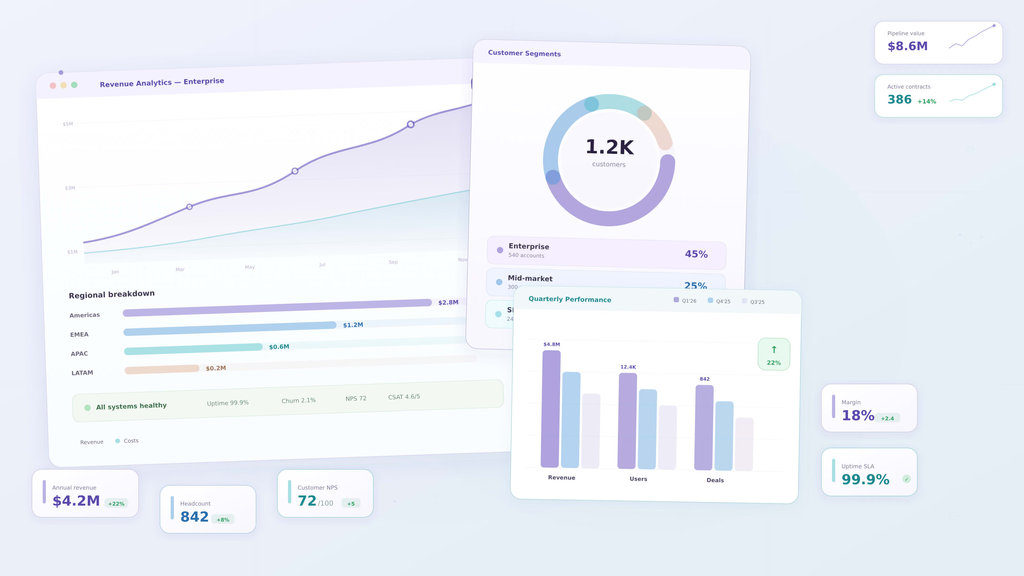
Exception reporting is especially useful for operational environments where users must respond quickly to deviations.
However, the thresholds must be carefully designed.
If too many alerts are triggered, users experience alert fatigue. Eventually, important warnings become indistinguishable from routine notifications.
Therefore, exception-based dashboards must prioritize meaningful deviations rather than every small change.
Measure Dashboard Usage
One of the most overlooked aspects of dashboard optimization is measuring whether the dashboard is actually being used.
A dashboard may contain dozens of carefully designed visuals, yet users may regularly interact with only a few.
Usage data can reveal which pages are frequently accessed, which filters are used, which reports are ignored, and where users spend their time.
This information provides evidence for dashboard improvement.
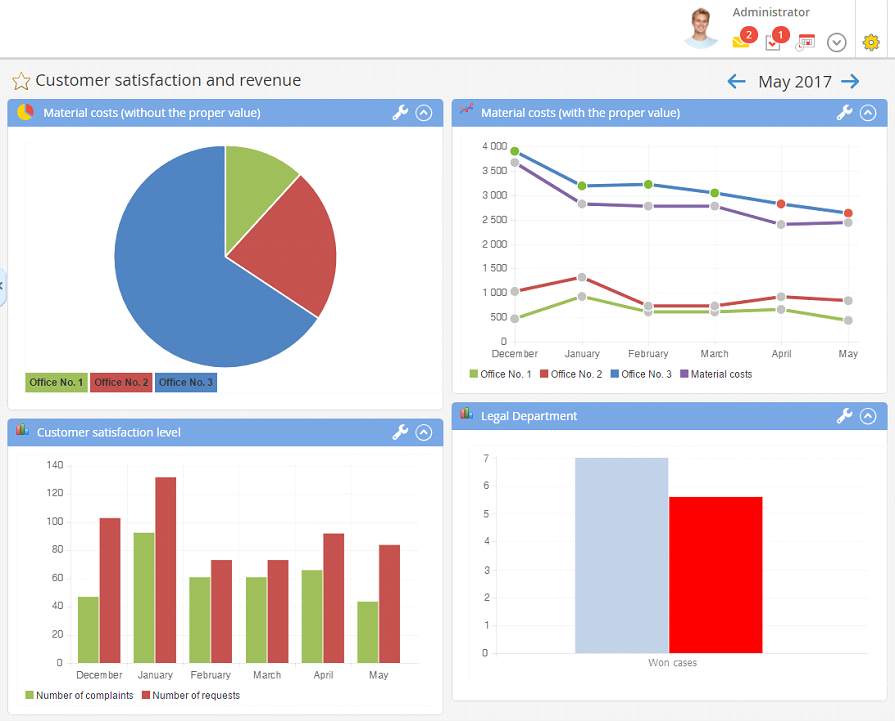
If a visual consistently receives little attention and does not support a critical decision, it may be a candidate for removal.
Similarly, if users repeatedly export data from a dashboard into spreadsheets, that behavior may indicate that the dashboard does not provide the required analytical flexibility.
Dashboard adoption is therefore not merely a technology metric. It can reveal whether the reporting solution is aligned with actual user workflows.
Gather Feedback From Real Users
Dashboard design should not happen entirely in isolation.
Analysts and BI developers may understand the data extremely well, but users understand the decision-making context.
A dashboard that appears logical to its creator may still be difficult for a sales manager, finance executive, or operations supervisor to use.
User feedback should therefore be part of the dashboard lifecycle.
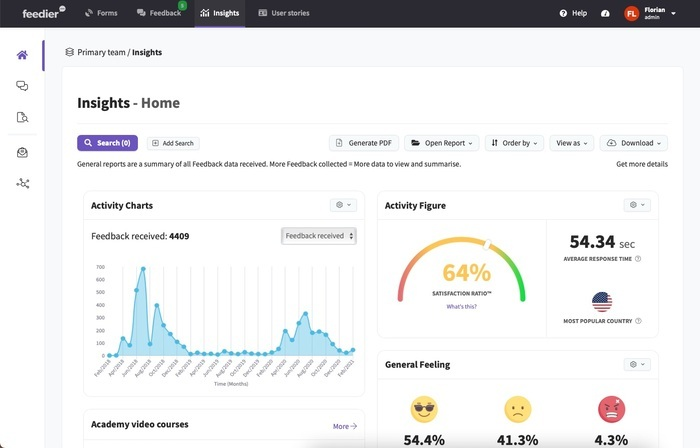
Instead of asking only whether users like the dashboard, ask whether it helps them make decisions faster, whether they understand the KPIs, whether important information is missing, whether anything is confusing, and whether they still rely on other reports to answer critical questions.
These questions reveal functional problems that visual inspection alone may not identify.
Establish Dashboard Governance
Dashboard overload is often a governance problem as much as a design problem.
Without governance, dashboards multiply.
Different departments create their own reports. Similar KPIs receive different definitions. Multiple versions of the same metric appear across the organization. Users become uncertain about which dashboard represents the official source of truth.
This creates what can be described as dashboard sprawl.
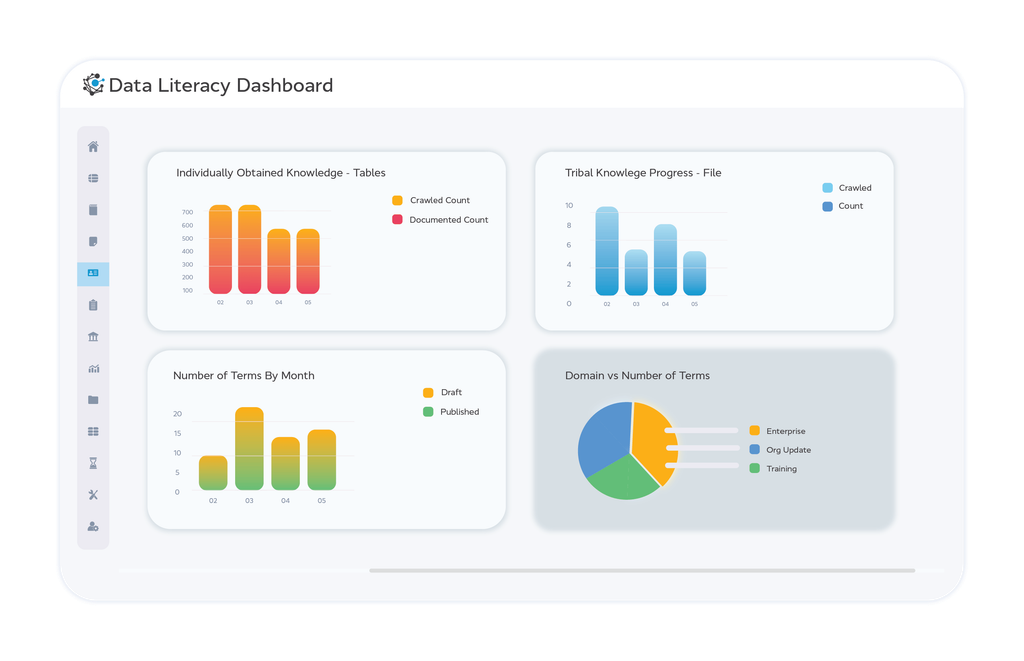
Effective governance establishes standards for dashboard ownership, KPI definitions, data sources, refresh frequency, access, naming, documentation, and lifecycle management.
Governance also creates a process for reviewing dashboards periodically.
A dashboard should not be considered finished forever.
Business priorities change. KPIs change. Data sources change. Users change. Reporting requirements evolve.
Consequently, dashboards should be reviewed and simplified as business needs change.
Build Dashboards Around Decisions, Not Departments
Another useful principle is to organize dashboards around decisions rather than organizational structures.
Departments often create dashboards based on their internal responsibilities. Marketing creates a marketing dashboard. Sales creates a sales dashboard. Finance creates a finance dashboard.
While this can be useful, business decisions frequently cross departmental boundaries.
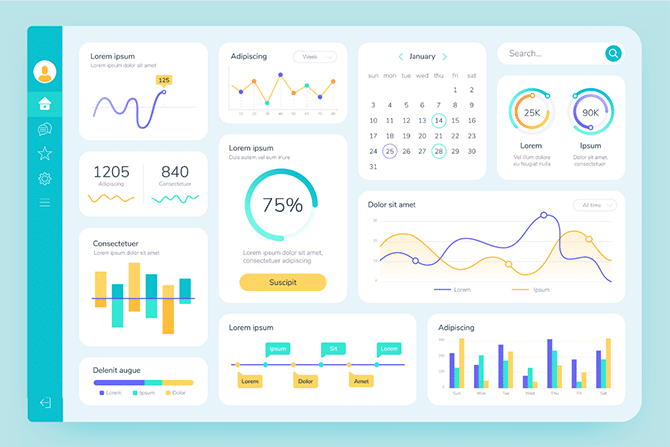
For example, declining revenue may involve marketing acquisition, sales conversion, product availability, pricing, customer retention, and customer service.
A decision-focused dashboard can bring together the most relevant information from different functions.
This creates a more complete view of the business problem.
However, the dashboard should still maintain a clear scope. Bringing information together does not mean displaying everything.
The goal is to provide the information required to understand the decision from the appropriate business perspective.
Treat Dashboard Simplification as an Iterative Process
Dashboard optimization should not be treated as a one-time redesign.
The first version of a dashboard will rarely be perfect.
As users interact with it, new insights emerge. Some metrics become less relevant. Other requirements become clearer. Certain visuals prove unnecessary. Some filters are rarely used.
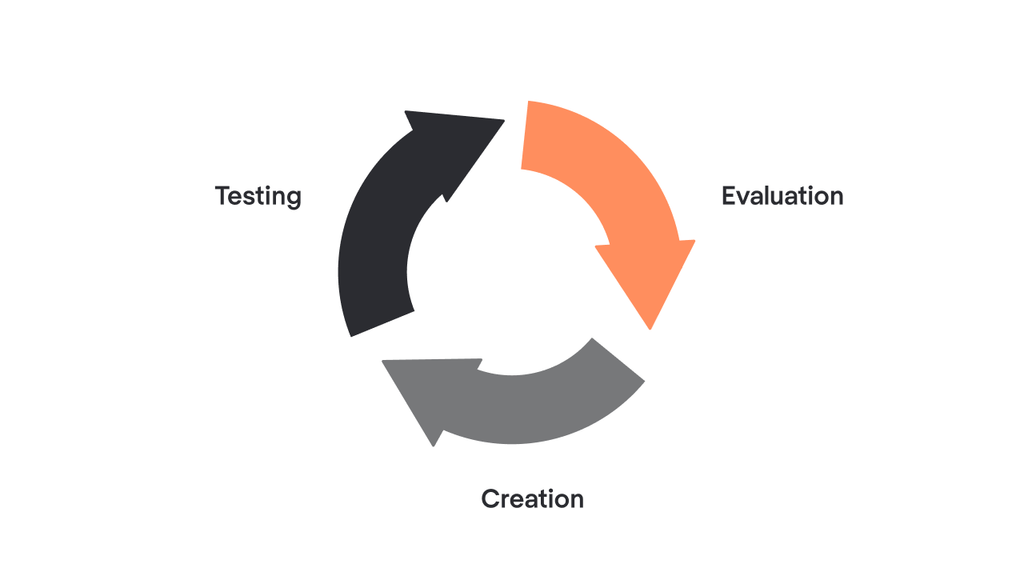
Therefore, dashboards should evolve through an iterative process.
Analytics teams can monitor adoption, collect feedback, review performance, evaluate KPI relevance, and periodically remove unnecessary elements.
This approach prevents dashboards from gradually becoming overloaded again.
The principle is simple: every addition should have a purpose, and every existing element should continue to justify its presence.
The Future of Dashboard Design
As artificial intelligence and natural-language analytics become increasingly integrated into BI platforms, the traditional dashboard model may continue to evolve.
Instead of presenting every possible insight on a static screen, future analytics environments can increasingly allow users to ask questions dynamically and receive context-specific answers.
This creates an opportunity to reduce dashboard overload further.
Rather than displaying every possible breakdown in advance, organizations can provide a focused analytical starting point and allow users to explore through conversational interfaces, automated explanations, anomaly detection, and intelligent drill-downs.
However, technology does not eliminate the need for good dashboard design.
AI can generate insights, but organizations still need meaningful KPIs, trustworthy data, clear business definitions, appropriate governance, and responsible interpretation.
In fact, as analytical capabilities become more powerful, information prioritization may become even more important.
The challenge will no longer simply be accessing information.
It will be deciding which information deserves attention.
Dashboard overload is a symptom of a larger problem: the tendency to equate more information with better analytics.
More data does not automatically produce better decisions. More charts do not automatically produce more insight. More filters do not automatically produce more analytical flexibility.
Effective dashboards begin with business objectives and decisions.
They prioritize meaningful KPIs, create clear visual hierarchy, provide context, separate monitoring from detailed analysis, use drill-down appropriately, reduce redundancy, simplify interactions, and focus attention on exceptions that require action.
Most importantly, effective dashboard design recognizes that users have limited attention.
A dashboard should respect that attention.
The objective is not to show everything the business knows. It is to show what the user needs to know at the moment a decision needs to be made.
For Business Analysts, Data Analysts, and BI professionals, this represents an important shift in mindset. The question should not be, “What else can we add to the dashboard?”
Instead, ask, “What can we remove while still preserving the information required to make the decision?”
That question can transform dashboard development.
A powerful dashboard is not the one with the most data.
It is the one that makes the most important information impossible to miss.