SQL is often introduced as a technical language for retrieving information from databases. For many professionals, learning SQL begins with simple tasks such as selecting records, filtering rows, sorting results, and calculating basic totals. Those skills are important, but they represent only the beginning of what SQL can do.
In a business environment, SQL becomes much more powerful when it is used as a problem-solving tool.
Organizations rarely ask analysts questions such as, “Can you write a query using a window function?” Instead, business stakeholders ask questions such as, “Why are our sales declining?”, “Which customers are becoming less engaged?”, “Where are we losing revenue?”, “Which products are underperforming?”, or “Why has operational efficiency decreased?”
These questions are often complex because their answers are rarely contained in a single table or a single metric. They require analysts to combine information from different sources, identify patterns, test assumptions, compare time periods, investigate exceptions, and translate the results into business insights.
That is where SQL becomes more than a programming language.
SQL can become a structured way of thinking about business problems.
When used effectively, SQL allows Business Analysts, Data Analysts, Business Intelligence professionals, and other data-driven professionals to move from a vague business problem to a measurable question, from a measurable question to evidence, and from evidence to an actionable conclusion.
The real value therefore does not come from knowing hundreds of SQL commands. It comes from knowing how to use SQL to investigate the questions that matter to the business.
Throughout this article, we will use a hypothetical retail business with tables such as customers, orders, order_items, products, payments, and returns. The exact syntax may vary slightly between SQL Server, PostgreSQL, MySQL, Snowflake, BigQuery, and other database platforms, but the analytical principles remain broadly applicable.
Start With the Business Problem, Not the Query
One of the most common mistakes analysts make is opening their SQL editor before fully understanding the problem.
A stakeholder might say, “Our revenue is falling.”
The immediate temptation may be to query the sales table and compare this month’s revenue with last month’s revenue.
However, that may only confirm what the stakeholder already knows.

The real analytical question is not whether revenue declined. The real question is why it declined.
Perhaps the number of customers decreased. Perhaps the average order value decreased. Perhaps an important product category experienced lower demand. Perhaps a particular geographic market declined. Perhaps refunds increased. Perhaps new customers are purchasing less frequently. Perhaps the business changed its pricing strategy.
Each possibility represents a different analytical path.
Therefore, effective SQL analysis begins before SQL.
The analyst must first translate the business problem into analytical questions.
If revenue has declined, you might need to determine when the decline began, which products were affected, which customer segments contributed to it, whether the decline is concentrated in a particular region, whether transaction volume changed, whether average transaction value changed, and whether costs or refunds influenced the final result.
Once these questions are clear, SQL becomes the mechanism for investigating them.
This distinction is fundamental.
Good analysts do not simply write queries that return data. They write queries that test business questions.
For example, suppose the business wants to understand monthly sales performance. A basic SQL query could establish the trend:
SELECT
YEAR(order_date) AS sales_year,
MONTH(order_date) AS sales_month,
SUM(order_total) AS total_revenue
FROM orders
WHERE order_status = ‘Completed’
GROUP BY
YEAR(order_date),
MONTH(order_date)
ORDER BY
sales_year,
sales_month;
This query answers an important question: how has revenue changed over time?
However, it does not explain why.
That is where deeper analysis begins.
Understand the Data Before Analyzing It
Once the business problem has been defined, the next step is understanding the underlying data.
This is often overlooked because analysts may assume that a table named sales contains everything necessary to understand sales.
In reality, business databases are usually more complicated.
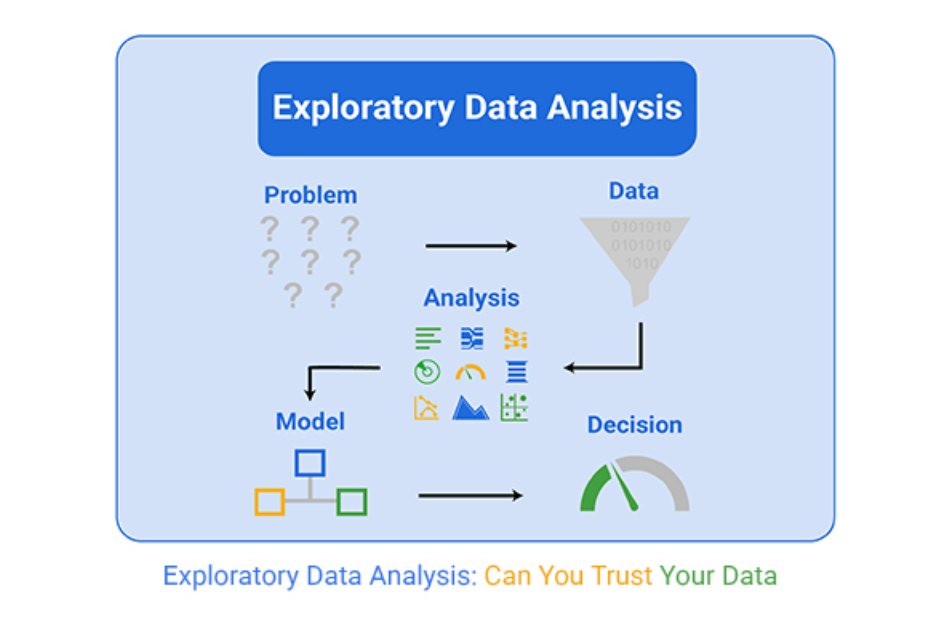
Customer information may exist in a customer table. Product information may exist in a product table. Transactions may exist in an orders table. Payments may exist somewhere else. Refunds may be stored separately. Marketing interactions may live in another system.
Before writing a complex query, you need to understand how these datasets relate to each other.
For example, an orders table might contain an order_id, customer_id, order_date, and order_total. An order_items table may contain individual products purchased within each order. A customer table might contain customer_id, location, customer type, and acquisition channel. A product table might contain product category, brand, cost, and product status.
The relationships between these tables determine what questions you can answer accurately.
This is why database structure matters to Business Analysts.
If you misunderstand the relationship between tables, your SQL may execute successfully while producing incorrect results.
A query that runs without an error is not necessarily a correct query.
Before performing an analysis, therefore, determine the grain of each table.
If one row in orders represents an entire order, while one row in order_items represents an individual product within an order, joining those tables changes the level of detail.
That distinction becomes extremely important when calculating revenue.
Think in Business Entities and Relationships
Complex business problems become easier to solve when you understand the entities involved.
Consider a retail organization.
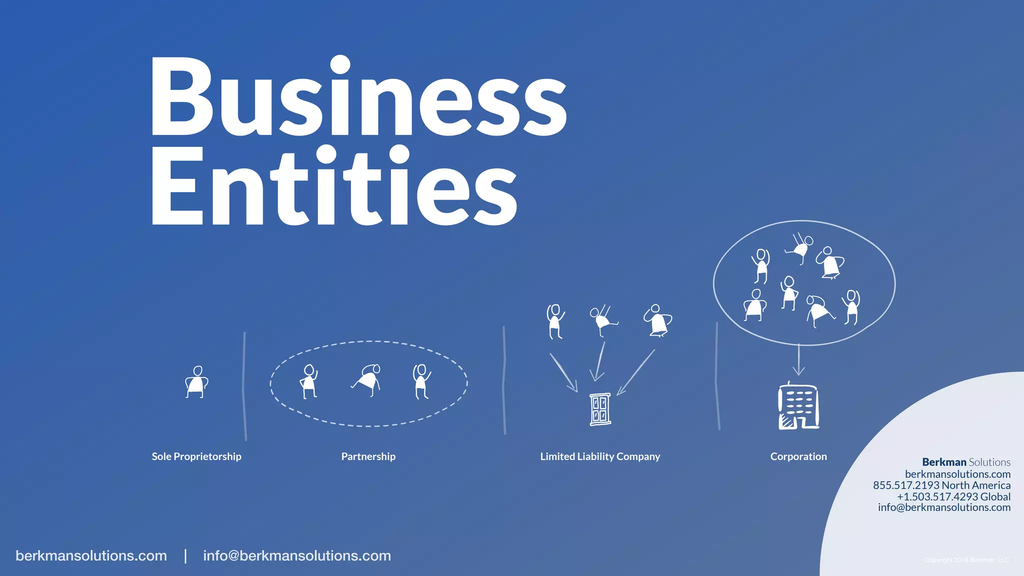
Customers purchase orders. Orders contain products. Products belong to categories. Customers may belong to segments. Orders generate revenue. Payments determine whether transactions were completed. Returns can reduce realized revenue.
This creates a network of relationships.
SQL allows you to bring these relationships together.
For example, suppose you want to identify which customer segments generated the highest revenue. You may need to connect customer information with order information and then aggregate transaction values by segment.
SELECT
c.customer_segment,
COUNT(DISTINCT o.order_id) AS total_orders,
SUM(o.order_total) AS total_revenue
FROM customers c
INNER JOIN orders o
ON c.customer_id = o.customer_id
WHERE o.order_status = ‘Completed’
GROUP BY c.customer_segment
ORDER BY total_revenue DESC;
The query is technically simple, but the business question is important.
It connects customers, transactions, and revenue to determine where commercial value is coming from.
Conceptually, the analysis becomes:
Customer → Order → Revenue → Segment.
That chain represents more than a database relationship. It represents a business relationship.
The ability to recognize these connections is one of the most important skills in solving complex problems with SQL.
Use SQL to Break Complex Problems Into Smaller Questions
Complex business questions can become overwhelming when treated as one large problem.
A better approach is to decompose the problem.
Suppose management asks why profitability has declined.
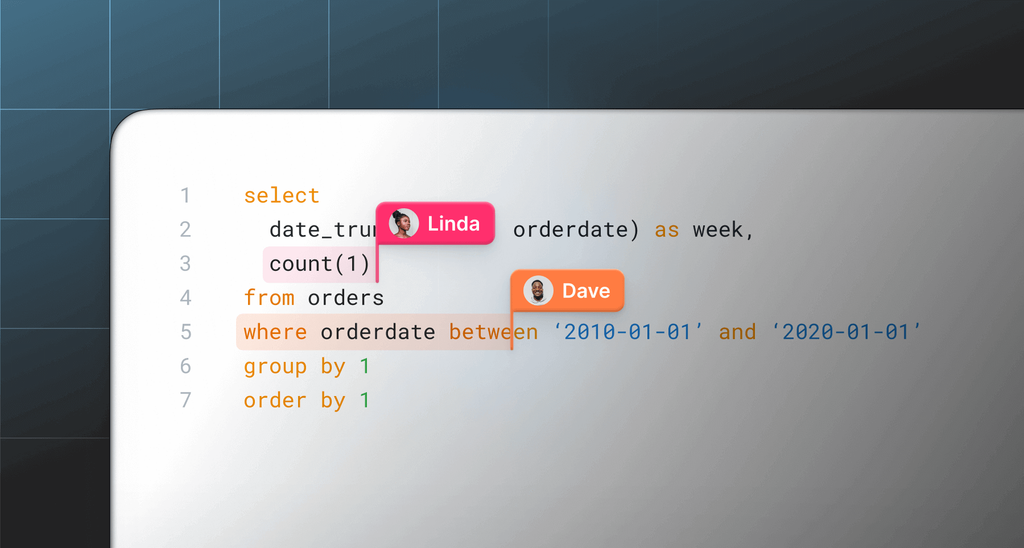
Profitability could be affected by sales volume, pricing, product mix, discounts, cost of goods, refunds, shipping expenses, customer acquisition costs, and operational costs.
Instead of attempting to answer everything simultaneously, break the problem into smaller analytical questions.
Did revenue change?
Did transaction volume change?
Did average order value change?
Did the cost per product increase?
Did customers purchase different products?
Did discounting increase?
Did refunds increase?
Once these smaller questions are answered, the larger problem becomes easier to understand.
SQL supports this approach extremely well because you can create separate analytical queries or Common Table Expressions that investigate different components of the problem.
For example, you can compare the number of orders with average order value:
SELECT
COUNT(DISTINCT order_id) AS total_orders,
SUM(order_total) AS total_revenue,
AVG(order_total) AS average_order_value
FROM orders
WHERE order_status = ‘Completed’;
Now suppose revenue is declining. If the number of orders has remained stable but average order value has fallen, you have identified a different problem from one where both orders and average order value are declining.
This is where SQL begins to resemble analytical reasoning.
You are not simply querying a database. You are constructing an investigation.
Use Aggregation to Understand Business Performance
Aggregation is one of the most important SQL capabilities for business analysis.
Functions such as SUM(), COUNT(), AVG(), MIN(), and MAX() allow analysts to transform individual transactions into meaningful business measures.
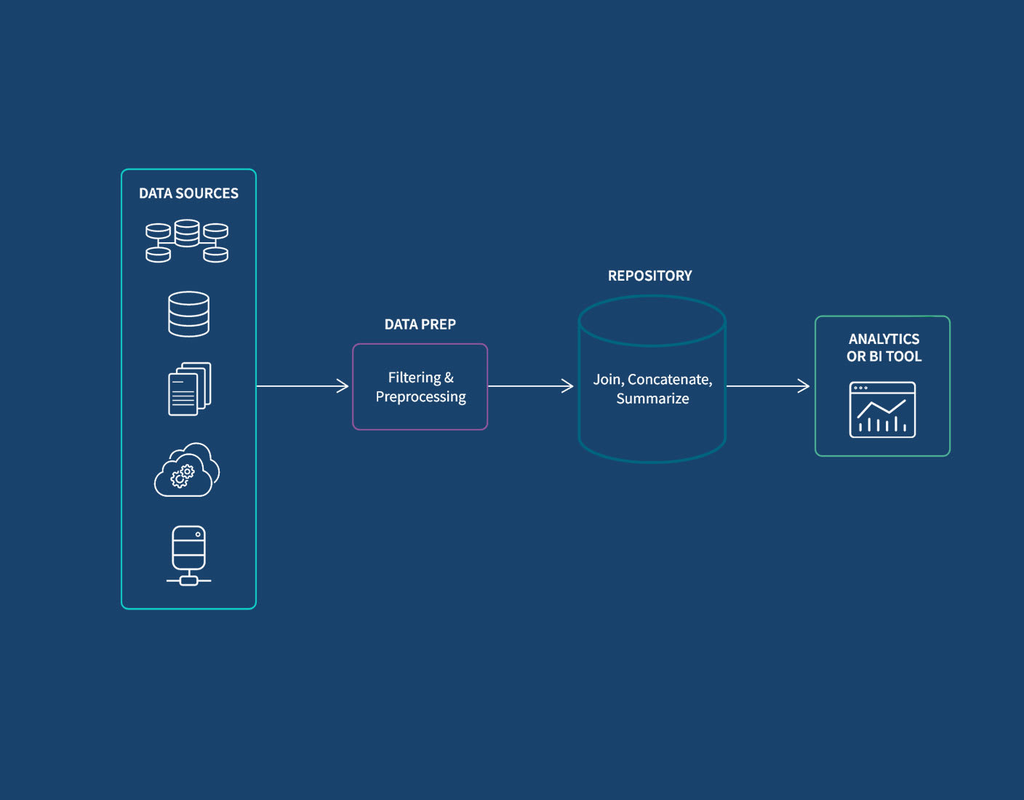
For example, individual sales transactions may not tell a manager much by themselves. However, total revenue by month, average order value by customer segment, or transaction volume by region can reveal important patterns.
Consider a company whose revenue increased by 15 percent.
At first glance, that sounds positive.
However, SQL can help investigate whether the increase came from more customers, more transactions per customer, higher prices, or a change in product mix.
Suppose revenue increased while the number of transactions remained relatively stable.
That could indicate an increase in average transaction value.
Alternatively, if transaction volume increased but average transaction value declined, the organization may be acquiring more customers but generating less value from each transaction.
Aggregation therefore helps turn raw transaction-level data into business-level information.
A useful analysis could compare revenue and orders by month:
SELECT
YEAR(order_date) AS sales_year,
MONTH(order_date) AS sales_month,
COUNT(DISTINCT order_id) AS total_orders,
SUM(order_total) AS total_revenue,
AVG(order_total) AS average_order_value
FROM orders
WHERE order_status = ‘Completed’
GROUP BY
YEAR(order_date),
MONTH(order_date)
ORDER BY
sales_year,
sales_month;
This simple query provides three different perspectives on performance.
Revenue tells you the financial outcome. Order volume tells you how much transactional activity occurred. Average order value helps determine whether customers are spending more or less per transaction.
That is already more informative than looking at revenue alone.
Use GROUP BY to Find Hidden Patterns
The GROUP BY clause becomes particularly powerful when investigating business performance across dimensions.
Revenue by month tells you about time.
Revenue by region tells you about geography.
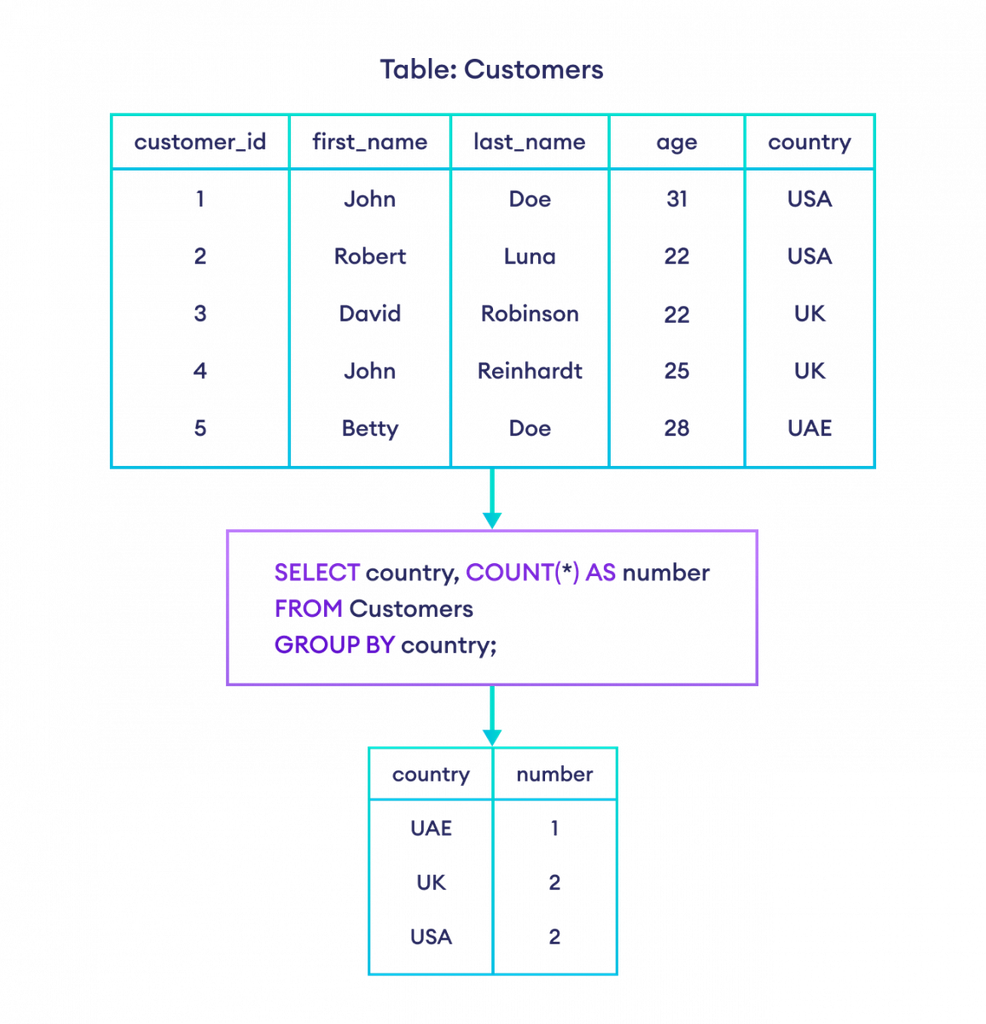
Revenue by product tells you about product performance.
Revenue by customer segment tells you about customer behavior.
Revenue by acquisition channel tells you about marketing performance.
The real analytical power comes from combining dimensions.
For example, revenue by region might show that overall sales are stable. However, revenue by region and product category could reveal that one region is experiencing a significant decline in a specific category.
Consider this query:
SELECT
c.region,
p.category,
SUM(oi.quantity * oi.unit_price) AS revenue
FROM orders o
INNER JOIN customers c
ON o.customer_id = c.customer_id
INNER JOIN order_items oi
ON o.order_id = oi.order_id
INNER JOIN products p
ON oi.product_id = p.product_id
WHERE o.order_status = ‘Completed’
GROUP BY
c.region,
p.category
ORDER BY
c.region,
revenue DESC;
Now the analyst can investigate performance at a much more granular level.
Perhaps overall revenue appears healthy, but one region is underperforming specifically in electronics.
That is a much more useful business finding than simply saying, “Sales are down.”
The analyst has moved from a broad observation to a localized business problem.
This is why dimensional thinking is essential in analytics.
When a metric changes,